Two Ways to Learn
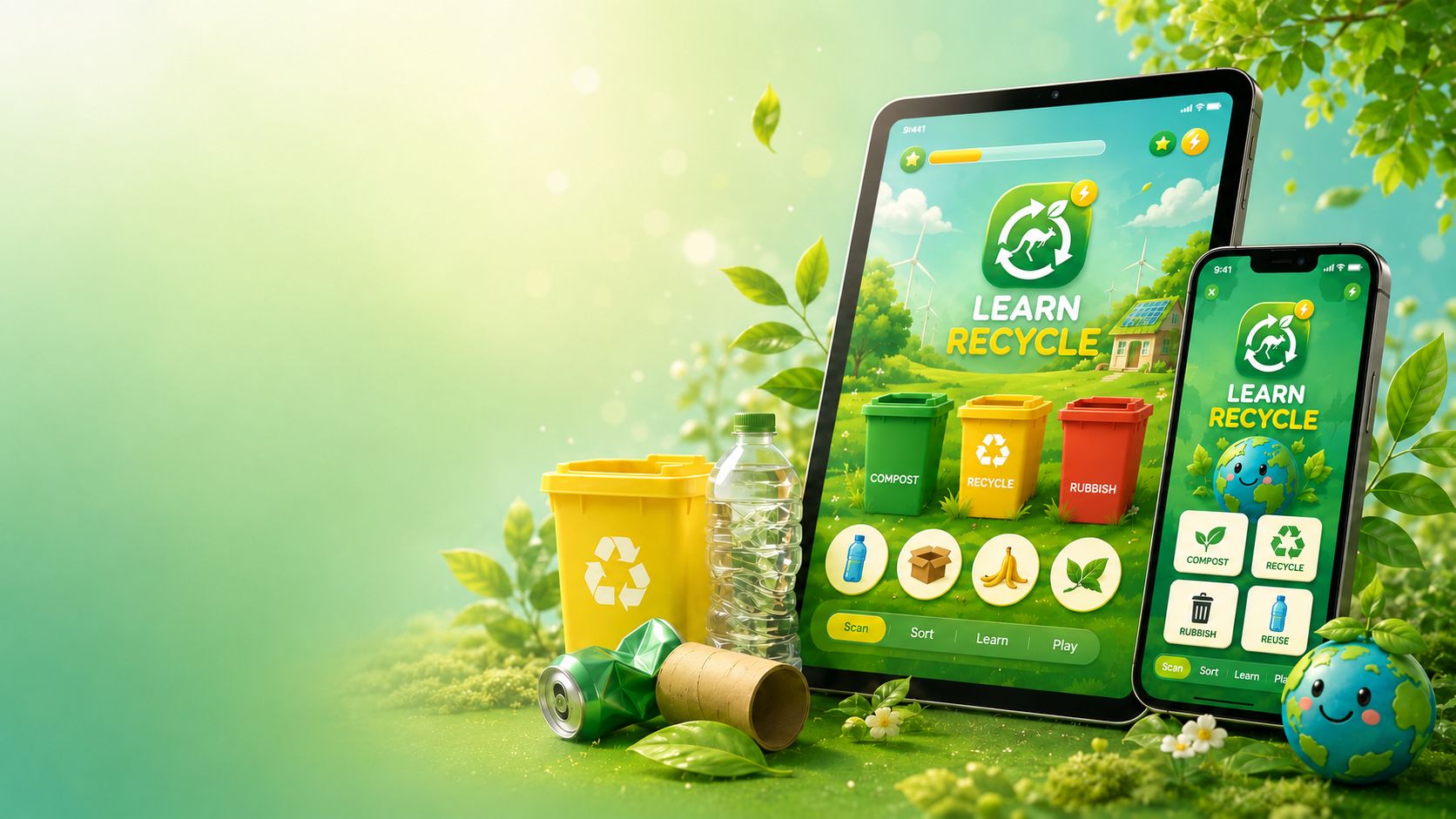
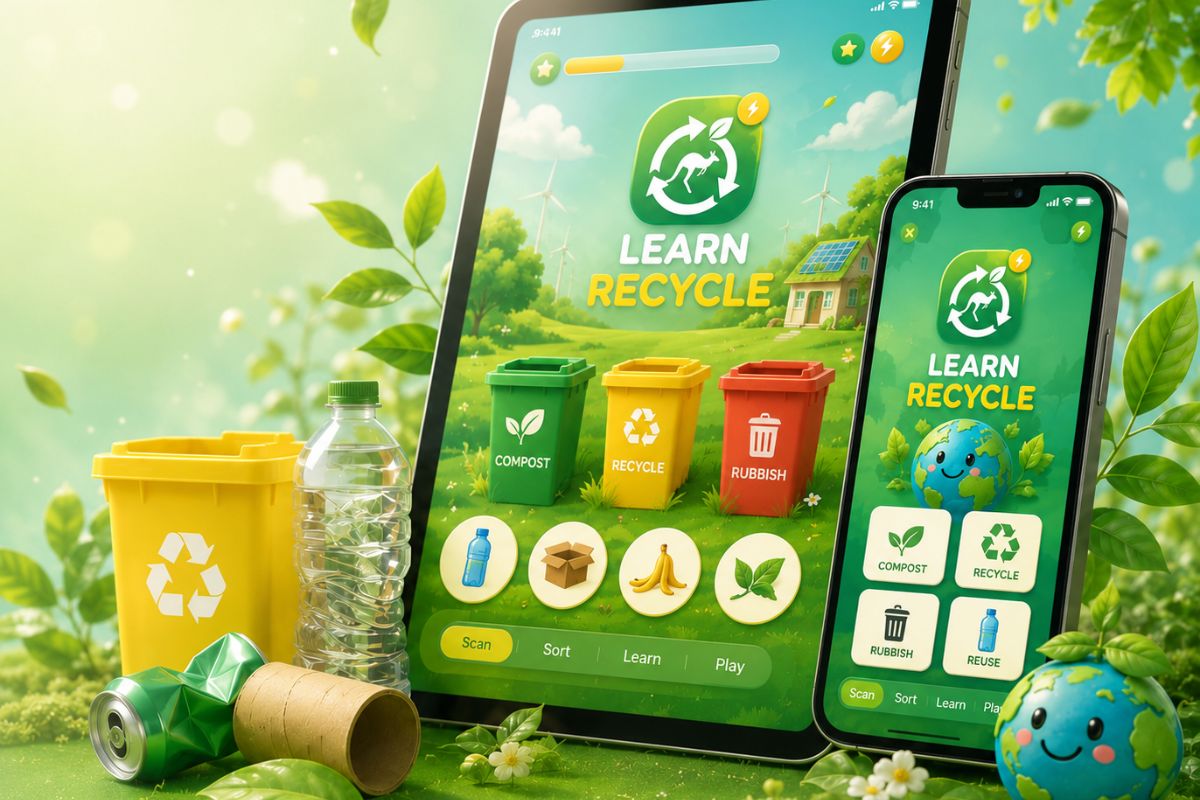
Learn Recycle gives children two ways to start: Scan and Play and Click and Play. Both modes lead to the same learning experience. Children see an item, think about where it belongs, drag it to a bin and receive instant feedback. Simple, visual and designed for young learners aged 3 to 8.
|
Mode One
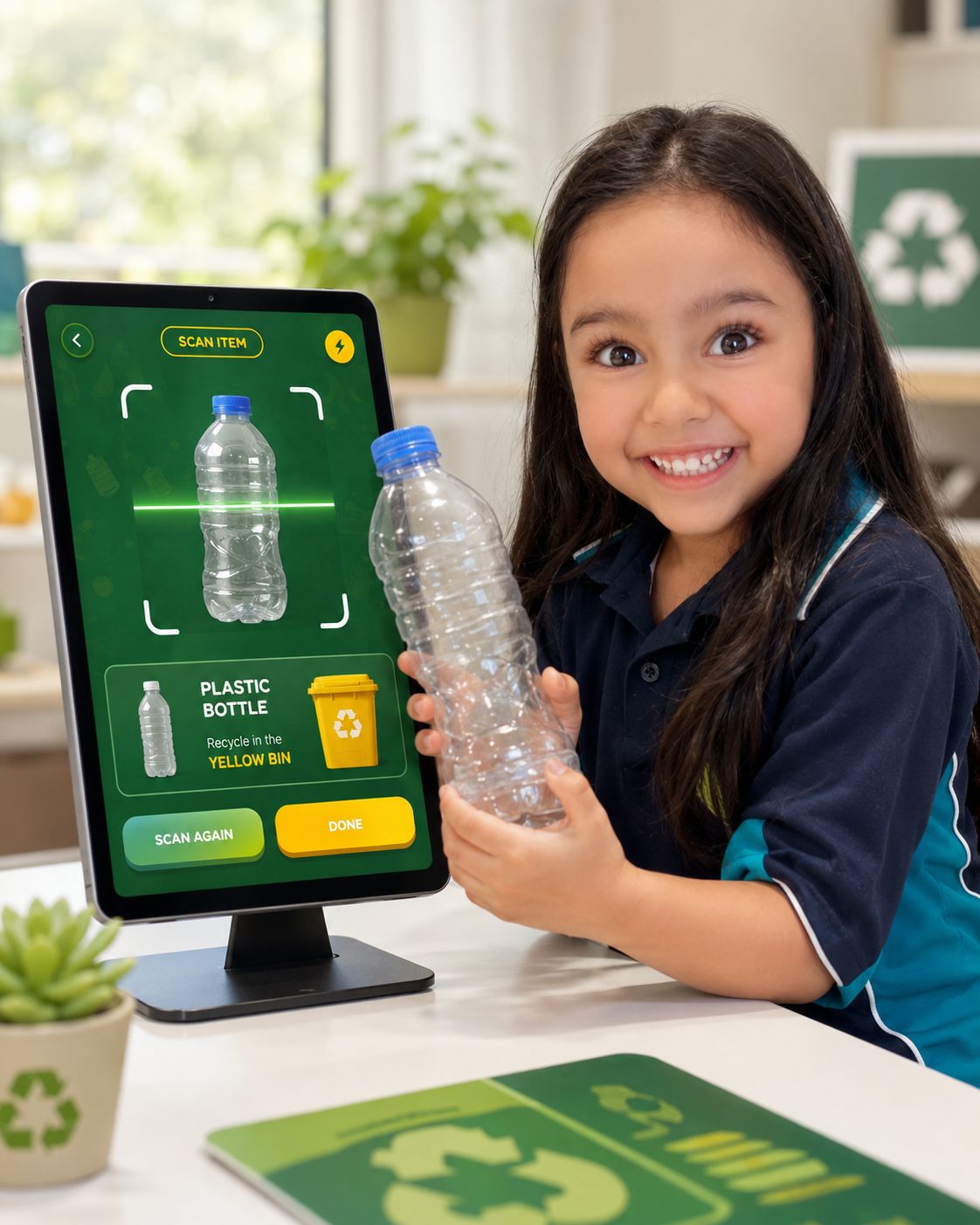
Scan and PlayPick up any everyday item around you. A bottle, a cereal box, a banana peel or an empty can. Open the app, point the camera and scan it. The app identifies what the item is and shows the result on screen. Then the fun begins. Drag the item into one of three bins: Compost, Recycling or Rubbish. Got it right? A trophy appears and your score goes up. Got it wrong? No problem. The app gently shows which bin the item actually belongs in, with a friendly hint. Children always walk away learning something new. |
|
Mode Two
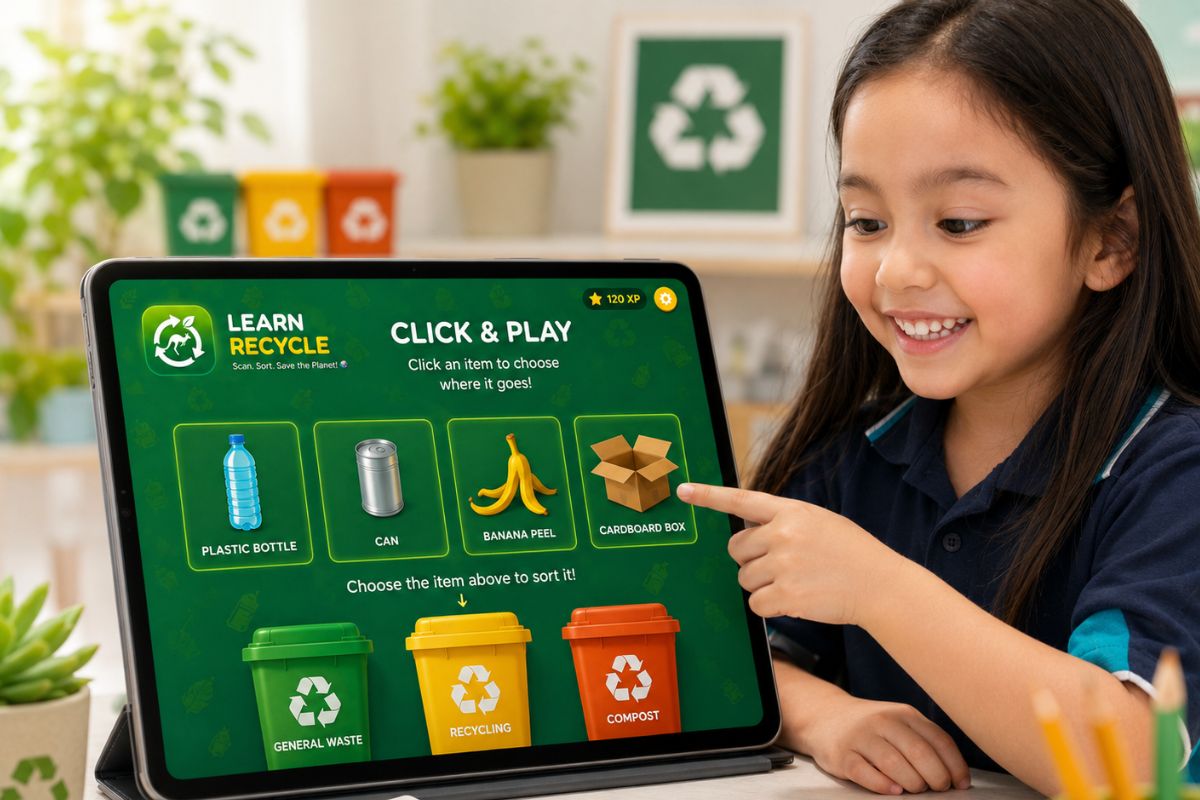
Click and PlayNo item to scan? No problem. In Click and Play, items appear on screen inside the app. Children tap to bring up items and drag them into the correct bin. The same learning experience, the same instant feedback, no camera needed. Click and Play is perfect for younger children, group sessions in day care and preschool, classroom practice and repeated learning at home. It is a great starting point for children who are just beginning to explore recycling. |
Here is What Happens
From opening the app to earning your score, here is the full Learn Recycle experience.
|
1
Open the AppChoose Scan and Play or Click and Play from the home screen. |
2
Scan or Click an ItemIn Scan and Play, point the camera at any everyday item. In Click and Play, an item appears on screen ready to sort. |
3
See What the App FoundThe app shows what the item is. Clear, simple and easy for young children to understand. |
|
4
Drag it to the Right BinThree bins appear on screen: Compost, Recycling and Rubbish. Drag the item to where you think it belongs. |
5
Find Out Straight AwayA correct sort gets a celebration and adds to your score. A wrong sort gets a friendly hint and shows the right answer. |
6
Keep Going and Build Your ScoreEvery correct sort adds to the score. Children can keep scanning, keep clicking and keep learning at their own pace. |
|
The Bins
Three Bins. Simple as That.Learn Recycle teaches children to sort everyday items into three categories that match the bin system used in Australian homes, schools and communities.
🗑️
RubbishGeneral waste that cannot be recycled or composted. Things like used tissues, food wrappers and broken items with no other disposal option.
♻️
RecyclingBottles, cans, cartons, cardboard, paper and clean packaging. Items that can be collected, processed and made into something new.
🌱
CompostFood scraps, fruit peels, vegetable offcuts and other organic waste. Things that break down naturally and return goodness to the earth. |
The App Knows When to Ask for Help
Learn Recycle is designed to keep children safe and supported at every step.
|
🔋
Batteries and Bulky ItemsSome items cannot go in a regular household bin. When a child scans something like a battery or a large appliance, the app responds with a simple, friendly message: ask a grown-up for help. Children learn that some recycling choices need adult support. |
🐾
People, Pets and Other ThingsIf a child points the camera at a person, a pet or something that does not belong in a bin, the app responds with a friendly, age-appropriate message. It gently guides children back to scanning everyday items and keeps the experience positive. |
✅
Always Learning, Never DiscouragedWhen a child sorts an item into the wrong bin, the app does not just say they are wrong. It shows the right answer with a friendly hint so children always learn something from every attempt. Confidence is built one sort at a time. |
|
Learning at Every Age
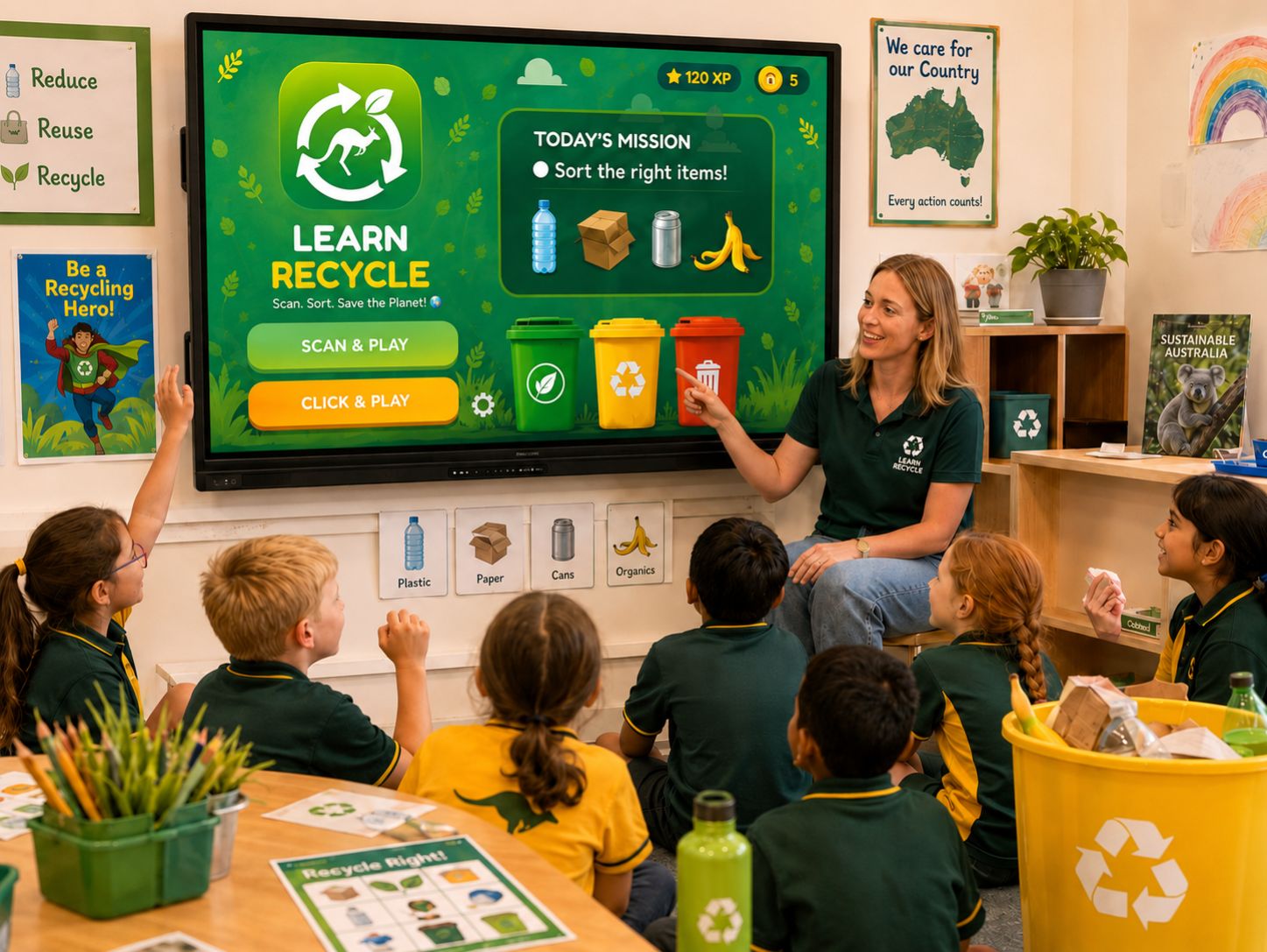
Designed for Day Care, Preschool and Primary SchoolLearn Recycle is not just for children sitting alone with a phone. It is designed to work in group settings, guided by an educator, parent or carer. Ages 3 to 5 — Guided group learningPerfect for day care and preschool. An educator guides the session on a shared tablet or screen. Children point, watch, respond and begin connecting everyday items with the right bin. Ages 5 to 6 — Growing independenceChildren begin engaging more on their own. The visual bins, clear colours and friendly feedback make sorting feel natural and achievable. Children start building real confidence at this stage. Ages 6 to 8 — Active independent playChildren scan real items from around the home or classroom, confirm results and build their score independently. Both modes work at full depth here. |
|
For Families
Learning That Goes Beyond the AppLearn Recycle gives families a simple way to bring recycling into everyday life at home. A bottle, a box or a food scrap can become a quick learning moment. Children begin connecting what they practise in the app with real choices they make every day. At the dinner table, at the supermarket, at the kitchen bench. Small moments add up to lifelong habits. |
For Schools
A Tool for the ClassroomLearn Recycle supports sustainability learning in classrooms, preschools and day care centres. Teachers can use it to introduce waste sorting, recycling habits and environmental responsibility in a way that feels visual, interactive and age-appropriate. It works for group activities, class discussions and hands-on practical sessions. A simple tool that makes sustainability education easier to deliver and more enjoyable for children to experience. |